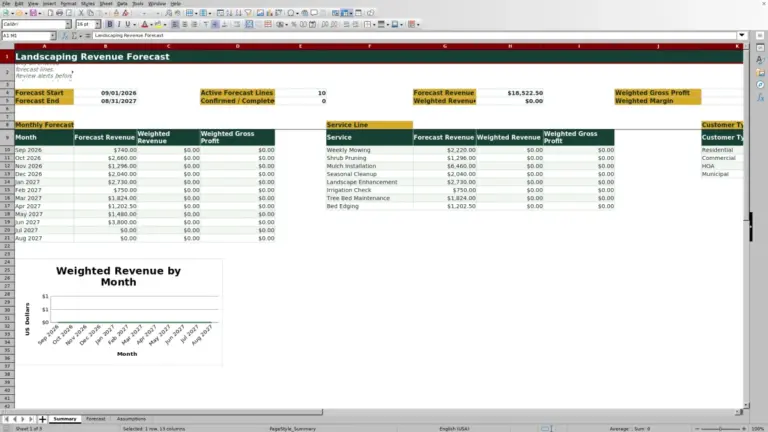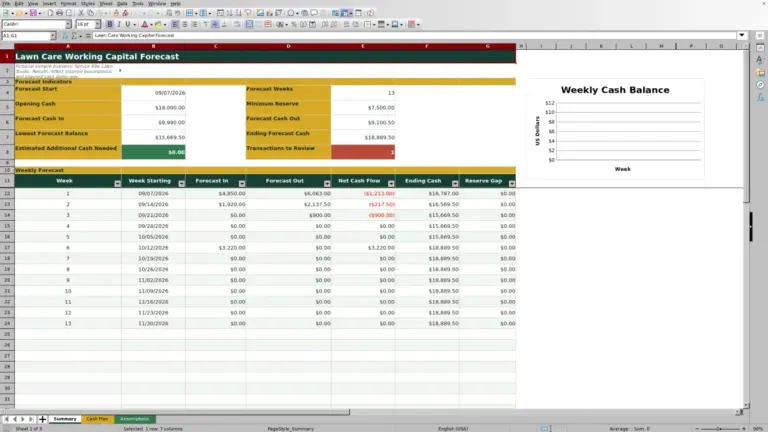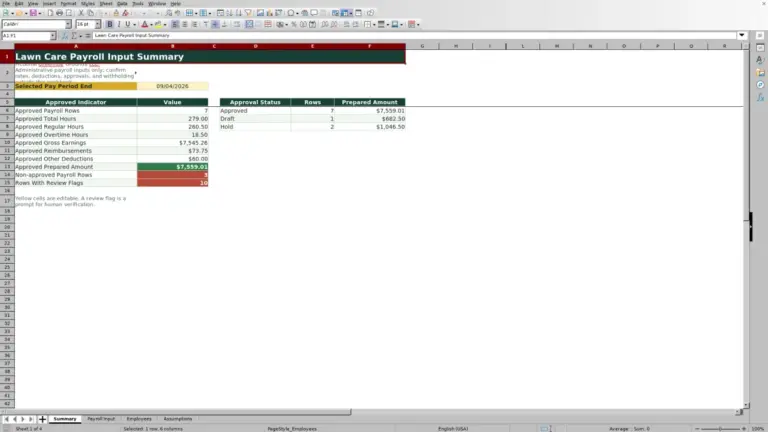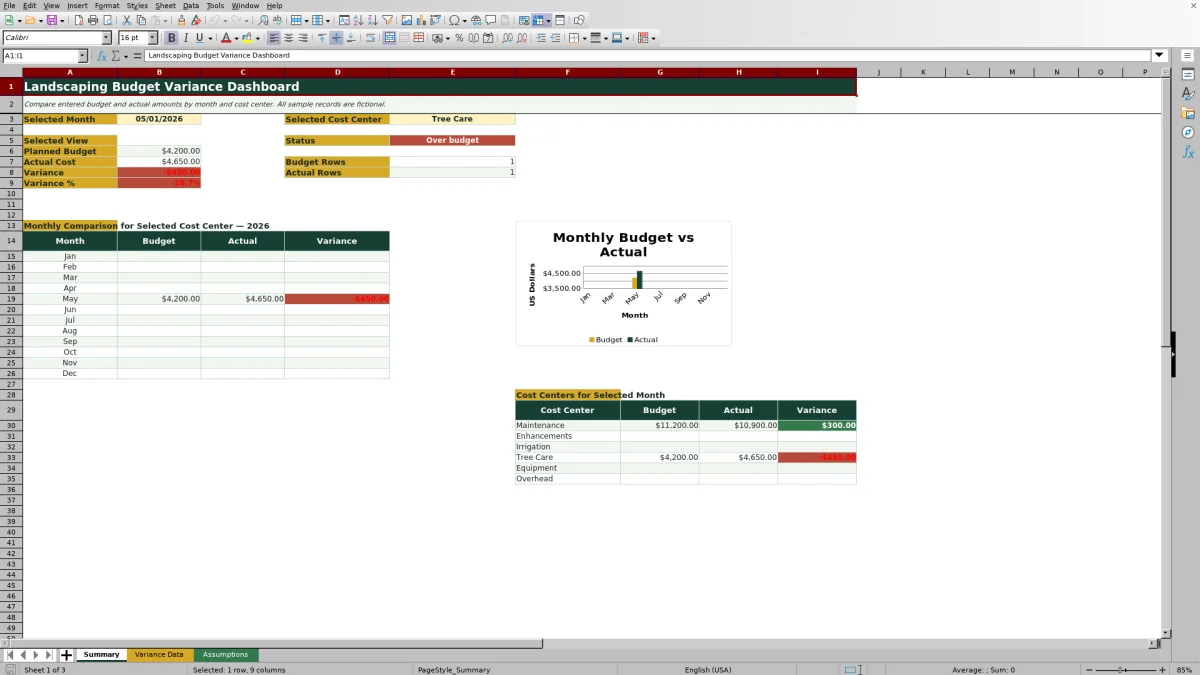
This Excel landscaping budget variance dashboard compares entered budgets with actual costs by month and cost center. It gives lawn care and landscaping operators a budget-versus-actual control for reviewing Maintenance, Enhancements, Irrigation, Tree Care, Equipment, Overhead, and additional editable cost centers.
The XLSX calculates dollar and percentage variances, identifies entries above an editable review threshold, and summarizes the selected month and cost center. It also provides a January-through-December 2026 comparison, a budget-versus-actual chart, and a selected-month cost-center breakdown. The included sample records are fictional and can be replaced with operating data.
How this workbook can help
- Compare entered monthly budgets and actual costs for one cost center or all listed cost centers.
- See dollar variance, variance percentage, entry counts, and an at-or-under-budget or over-budget status.
- Direct attention to records whose absolute variance percentage exceeds an editable review threshold.
- Use validated month, cost-center, review-status, budget, and actual-cost inputs to support consistent entry.
What is in the file
How to get started
1. Review the operating assumptions
Open Assumptions to confirm the cost centers, review statuses, available month starts, and variance check limit. The supplied threshold is 10%, and the yellow cells are intended for editable inputs.
2. Enter monthly financial records
Use rows 7 through 126 on Variance Data. Select a month and cost center, enter nonnegative budget and actual amounts, assign a review status, and add a note when context will help the next reviewer. Variance, variance percentage, and variance-check fields calculate automatically.
3. Select the dashboard view
On Summary, choose a month in B3 and a cost center in E3. Select All when the decision requires an aggregate across the listed cost centers rather than one operating area.
4. Interpret the result and choose the next action
Review the headline figures, status message, 2026 monthly comparison, chart, and selected-month cost-center results. Investigate unfavorable or unusually large variances, update the review status, and record the operational explanation in the Notes column.
Situation: Find the Monthly Budget Gap
A landscaping operator may know total spending but still need to identify whether Tree Care, Irrigation, Equipment, or another cost center caused the monthly gap. The Summary sheet creates a selected view from a chosen month and cost center, while the All option aggregates the listed cost centers for that month. Budget-row and actual-row counts help distinguish a true financial result from missing entries.
Action: Record Budget and Actual Costs Consistently
Enter one or more monthly records on Variance Data using Month Start, Cost Center, Budget Amount, Actual Amount, Review Status, and Notes. The prepared formulas calculate Variance as Budget Amount minus Actual Amount and Variance % as Variance divided by Budget Amount. Dropdown lists and amount validation support consistent entry, while the Assumptions sheet allows the operating lists and review threshold to be maintained.
Result: Interpret a Practical Landscaping Example
In the fictional January Maintenance example, the budget is $9,000 and the actual cost is $8,700. The workbook calculates a $300 favorable variance and a variance percentage of approximately 3.3%. With the supplied 10% limit, the record returns “Within entered limit” because the absolute percentage does not exceed the threshold. The result means Maintenance cost $300 less than planned, but the workbook does not treat that difference as large enough to prompt its percentage-based check.
Interpretation: Read Favorable and Unfavorable Variances Correctly
Because the workbook subtracts actual cost from budget, a positive variance indicates that actual cost is at or under budget, while a negative variance indicates an over-budget result. The percentage adds scale: a $300 difference may be modest against a $9,000 budget but significant against a much smaller budget. The Variance Check uses the absolute percentage, so it can prompt review for a large favorable result as well as a large unfavorable result.
Next Decision: Turn the Variance Into an Operating Response
After identifying a variance, review the related invoice, labor allocation, equipment charge, or timing difference and then update the review status as appropriate. A favorable result may support keeping the current plan, while an unfavorable result may call for revising upcoming work, checking vendor costs, or confirming whether an expense was assigned to the correct month and cost center. Notes can preserve the reason for the decision.
Comparison With Other Budget-Tracking Methods
The complete workbook method combines controlled entry, formulas, an editable threshold, dashboard selectors, monthly analysis, and a chart. The comparison below treats the XLSX as one operational method and contrasts it with realistic external alternatives.
| Method | More suitable when | Operational tradeoff |
|---|---|---|
| This Excel workbook | More suitable when a landscaping business needs monthly budget-versus-actual tracking by cost center in a familiar desktop file. | Provides prepared calculations and controls, but its entry and summary ranges are fixed and require maintenance if expanded. |
| Paper form or manual ledger | More suitable when field capture is infrequent and a computer is not available at the point of entry. | Simple to carry, but totals, percentages, comparisons, and corrections require manual work or later reentry. |
| Blank spreadsheet | More suitable when the operator needs a fully custom structure and is prepared to build formulas, validation, formatting, and reports. | Offers layout freedom, but starts without the prepared variance logic, threshold check, dropdowns, or dashboard. |
| Dedicated field-service software | More suitable when the business also requires mobile dispatching, job-level workflows, crew activity, customer records, or accounting integrations. | Can cover broader operations, but may involve subscriptions, setup, training, and administration beyond monthly variance review. |
The appropriate choice depends on transaction volume, field connectivity, integration requirements, staff skills, and how much system administration the business can support.
Errors and Solutions for Reliable Results
Common fixes include checking both selectors when Summary shows no entered data, confirming that budget and actual amounts are present when only one row count appears, and using valid month and cost-center list values when a record does not flow into the expected view. A variance exactly equal to 10% is within the supplied limit because the formula flags only values greater than the threshold; review it manually or lower the editable limit if the business wants that magnitude to prompt a check. Records beyond row 126 are outside the prepared formula and dashboard ranges, so extending the workbook requires copying formulas and validation and updating the referenced ranges.
Frequently asked questions
What does the Excel landscaping budget variance dashboard calculate?
It calculates Budget Amount minus Actual Amount for the dollar variance and divides that variance by Budget Amount for the variance percentage. The Summary sheet also aggregates entered amounts for the selected month and cost center.
Can the dashboard compare all cost centers for one month?
Yes. Select the required month in Summary cell B3 and choose All in E3 to aggregate the listed cost centers for that month.
What triggers the variance check?
The workbook compares the absolute variance percentage with the editable limit in Assumptions cell G5. A value greater than the supplied 10% limit returns “Check variance”; a value at or below the limit returns “Within entered limit.”
How many data-entry rows are prepared?
Variance Data provides 120 prepared rows, from row 7 through row 126. Those rows contain formulas for variance, variance percentage, and variance checking.
Are the included landscaping records real business transactions?
No. The workbook identifies the included sample records as fictional. Replace them with the company’s own monthly budget and actual entries before using the results for operating decisions.
Editorial responsibility

Nadia KesslerEstimates, customers and job workflows

Ethan ReedWorkbook QA, crews and business controls