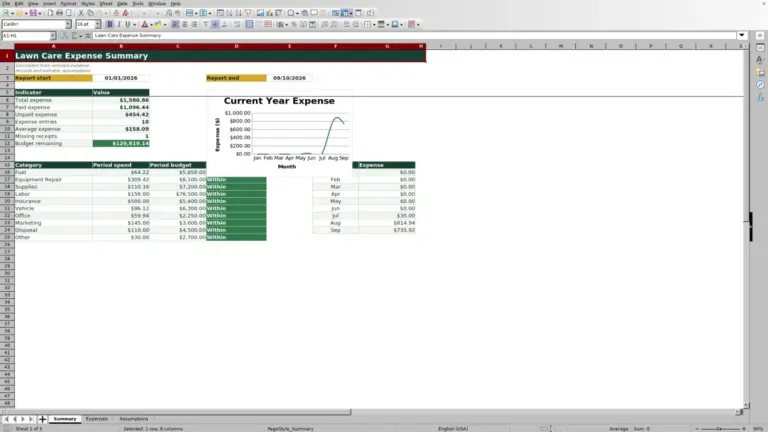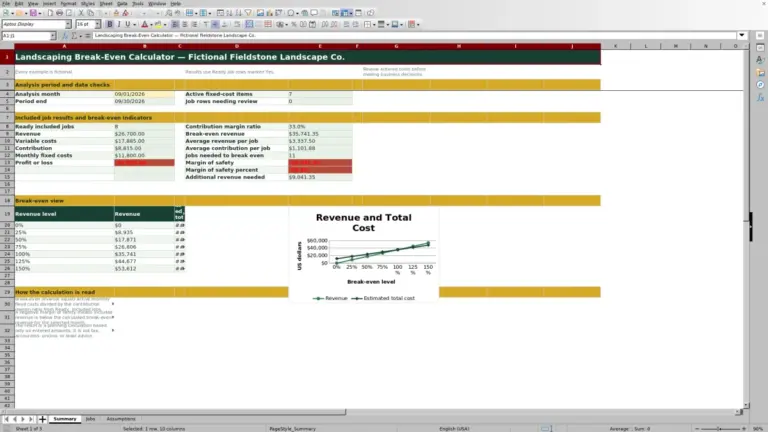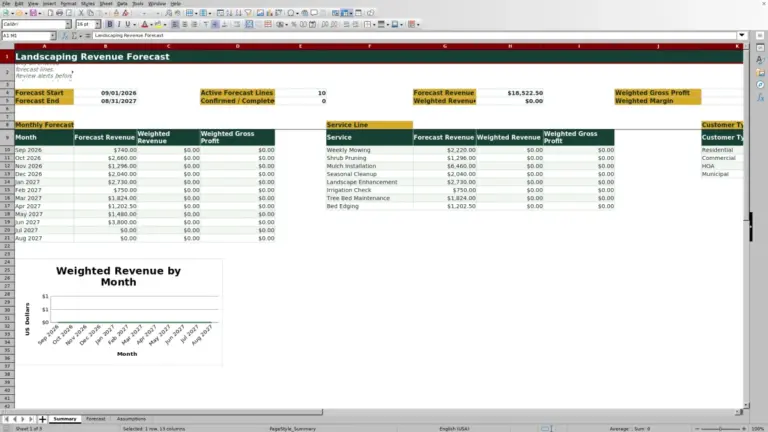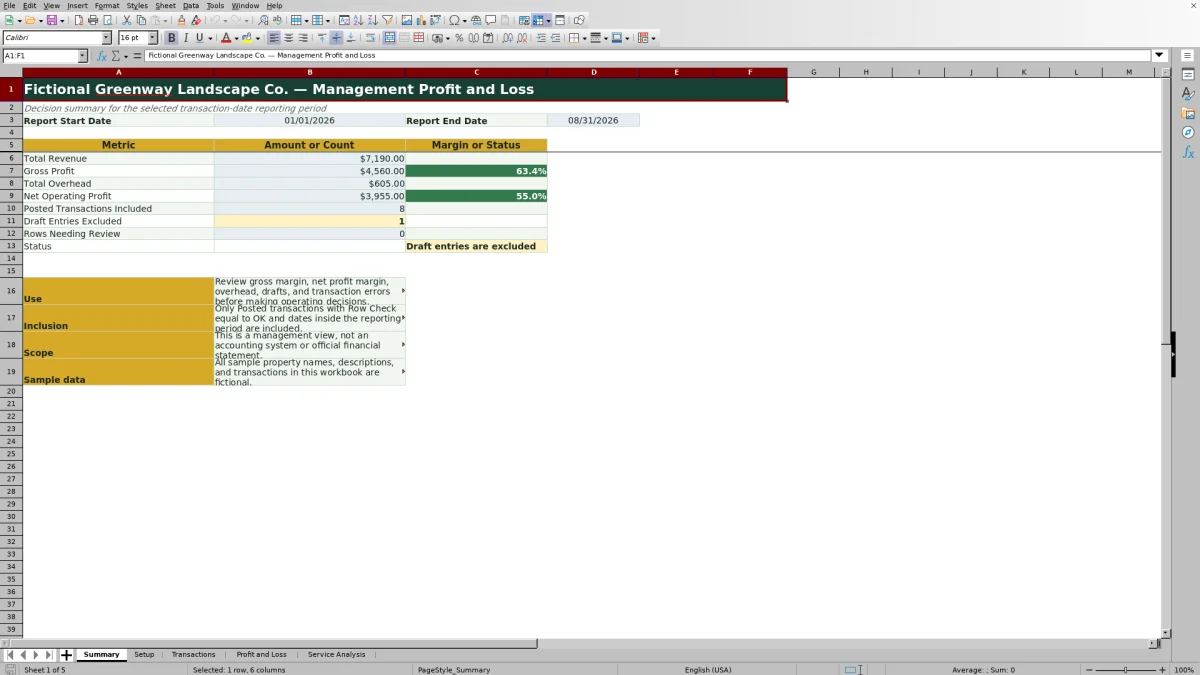
This landscaping profit and loss Excel workbook turns transaction-level revenue, direct costs, and overhead into a management P&L for a selected reporting period. It calculates total revenue, gross profit, total overhead, net operating profit, and related margins.
The XLSX also analyzes mowing, landscape installation, mulch and bed care, cleanup, and other service lines. Only posted transactions within the report dates and carrying an OK row check are included, while drafts and entries needing review remain outside the reported results.
How this workbook can help
- See service revenue, direct costs, overhead, gross profit, and net operating profit in one reporting workflow.
- Keep draft or incomplete transactions from affecting management results until they are ready and pass the row check.
- Compare gross margin and revenue share across five landscaping service lines.
- Identify excluded drafts, transaction errors, and margin concerns before making pricing or operating decisions.
What is in the file
How to get started
1. Set the reporting period
Open Setup and enter the report start and end dates. Review the gross margin and net profit margin alert thresholds, and confirm that the reporting period status reads Ready before relying on the reports.
2. Record landscaping transactions
On Transactions, give each entry a unique transaction ID and enter its date, status, entry type, category, service line, description, and positive amount. Select Revenue, Direct Cost, or Overhead according to the nature of the transaction.
3. Resolve entry issues and approve activity
Review the Row Check column for missing fields, duplicate IDs, unknown categories, or category and entry-type conflicts. Correct those issues and change approved entries from Draft to Posted when they are ready for reporting.
4. Review results and choose the next action
Read the Summary and Profit and Loss sheets for company-level results, then use Service Analysis to compare revenue, direct cost, gross profit, gross margin, and revenue share by service line. Use those findings to evaluate pricing, labor, materials, overhead, and service mix.
Create a Date-Based Landscaping Management View
The workbook addresses a common situation for lawn care and landscaping operators: sales, job costs, and company expenses may be recorded, but they are not yet organized into a consistent reporting period. Enter the start and end dates on Setup, and the formulas summarize qualifying activity from Transactions. A transaction qualifies only when its date falls within the period, its status is Posted, and its row check is OK. The resulting Summary and Profit and Loss views show revenue, gross profit, overhead, net operating profit, margins, and transaction indicators without treating draft or faulty rows as final activity.
Classify Revenue, Direct Costs, and Overhead Consistently
Revenue categories cover mowing, landscape installation, mulch and bed care, cleanup, and other services. Direct-cost categories include field labor, materials, disposal fees, equipment rental, subcontracted work, and job-specific fuel. Overhead categories include administration and office, advertising and marketing, insurance, vehicle and equipment overhead, rent and storage, software and phone, professional services, and other overhead. The Setup mapping identifies the required entry type for each category, while the Transactions row check helps detect a category entered under the wrong type. This separation matters because direct costs reduce gross profit, while overhead reduces operating profit after gross profit is calculated.
Interpreted Practical Example for a Landscaping Company
Situation: Suppose a landscaping company reviews January and has $10,000 of posted mowing revenue, $4,000 of mowing direct costs, $8,000 of posted landscape installation revenue, $5,000 of installation direct costs, and $2,000 of companywide overhead. All five entries fall inside the selected dates and have an OK row check.
Action: Enter each amount with the correct revenue, direct-cost, or overhead category and service line, then set the report dates to cover January.
Result: The P&L reports $18,000 of total revenue, $9,000 of direct costs, $9,000 of gross profit, a 50% gross margin, $2,000 of overhead, and $7,000 of net operating profit. The implied net operating margin is about 38.9%. Service Analysis shows a 60% mowing gross margin and a 37.5% landscape installation gross margin.
Interpretation: Mowing produces the stronger service margin in this example, while installation falls below the workbook's initial 40% gross margin alert threshold. That does not automatically make installation unprofitable; it indicates that its pricing, labor, materials, equipment rental, or subcontracted costs deserve attention.
Next decision: Review installation estimates and material purchasing before the next similar job, while checking whether mowing capacity can grow without adding overhead that would materially reduce operating profit.
Common Errors and Practical Solutions
A duplicate transaction ID can cause the row check to fail; assign a unique ID and confirm that the original entry was not entered twice. A missing date, status, entry type, category, service line, description, or amount should be completed before posting. If a category is not found, select one from the Setup-based category list rather than typing an unrecognized label. If the selected category requires a different entry type, change the type or category so the pair agrees. A valid entry dated outside the reporting period will not appear in the current P&L; correct the transaction date if it is wrong or adjust the Setup dates if the period should include it. Draft transactions are intentionally excluded, so change the status to Posted only after approval. If the end date precedes the start date, correct the reporting period before interpreting any blank report values.
Comparison With Manual and Software Alternatives
The workbook operates as one complete method: Setup controls the reporting assumptions and lists, Transactions captures and checks activity, Profit and Loss calculates company results, Summary highlights management indicators, and Service Analysis evaluates service-line performance. The following comparison shows when that method or an external alternative may be more suitable.
| Option | Operating method | More suitable when | Main limitation |
|---|---|---|---|
| This Excel workbook | Uses controlled transaction fields, row checks, date filters, a formula-driven P&L, summary indicators, and service analysis in one XLSX. | More suitable when an operator needs a repeatable management P&L and service-margin view without implementing a full field-service platform. | It is a management view rather than an accounting system, requires transaction entry, and provides 500 transaction rows. |
| Paper form or manual ledger | Records income and costs by hand and requires manual totaling and classification. | More suitable when transaction volume is very low or computer access is unavailable at the point of entry. | Period filtering, error checking, margin calculations, and service comparisons require additional manual work. |
| Blank spreadsheet | Starts without predefined categories, validation, formulas, row checks, or reports. | More suitable when the user needs a one-time rough calculation and is prepared to design and test the structure independently. | Classification and formulas can become inconsistent unless the user builds adequate controls. |
| Dedicated field-service software | May combine customer records, scheduling, dispatch, estimates, invoices, mobile crew activity, and integrations. | More suitable when the business needs multiuser field operations, dispatching, customer management, mobile workflows, or accounting integrations in addition to financial reporting. | Implementation, subscription cost, configuration, and staff training may be greater than a focused workbook requires. |
Use Service-Line Profitability to Guide Operations
Service Analysis separates mowing, landscape installation, mulch and bed care, cleanup, and other work. For each line, it calculates revenue, direct cost, gross profit, gross margin, and share of total revenue. The chart compares service revenue with direct cost, while the table provides the margin and mix context needed to interpret those amounts. A service with high revenue but a weak margin may need pricing or cost review. A service with a strong margin but a small revenue share may merit a capacity, demand, or marketing discussion. Overhead remains companywide in the P&L, so service gross profit should not be mistaken for final company profit.
Review Controls Before the Next Decision
Before acting on the reported numbers, confirm that the Setup status is valid, review the count of posted transactions included, note how many drafts were excluded, and resolve rows needing review. Then compare gross margin and net profit margin with the thresholds entered on Setup. A warning is a prompt for investigation rather than proof of a specific operational problem. Check transaction completeness, classification, pricing, direct costs, and overhead before changing staffing, equipment spending, service mix, or customer pricing. Because the workbook is a management tool and not an official financial statement, accounting records should remain the source for tax filings and formal financial reporting.
Frequently asked questions
Which transactions are included in the landscaping profit and loss report?
The calculated reports include transactions marked Posted when their dates fall within the selected reporting period and their Row Check result is OK. Draft entries, out-of-period activity, and rows with detected issues are excluded.
Which landscaping services can the workbook analyze?
Service Analysis covers mowing, landscape installation, mulch and bed care, cleanup, and other work. It calculates revenue, direct cost, gross profit, gross margin, and revenue share for each service line.
How does the Excel workbook identify transaction errors?
The Transactions sheet calculates an expected entry type from the selected category and provides a Row Check result. It can flag incomplete entries, duplicate transaction IDs, unknown categories, invalid amounts, and conflicts between a category and its entry type.
What is the difference between a direct cost and overhead in this workbook?
A direct cost is associated with delivering landscaping work, such as field labor, materials, disposal fees, equipment rental, subcontracted work, or job-specific fuel. Overhead covers broader operating expenses such as office administration, marketing, insurance, equipment overhead, rent, software, phone, and professional services.
Does this spreadsheet replace accounting software or official financial statements?
No. The workbook is a management view for organizing operational revenue, costs, margins, and profit. It is not an accounting system or an official financial statement, so formal books, tax filings, and reconciliations should remain in the appropriate accounting process.
Editorial responsibility

Nadia KesslerEstimates, customers and job workflows

Ethan ReedWorkbook QA, crews and business controls